


Solution:
- Open the Start Menu.
- Search for Statlook Server Setup or run:
C:\Program Files\Statlook\Server\Statlook.Server.Setup.exe
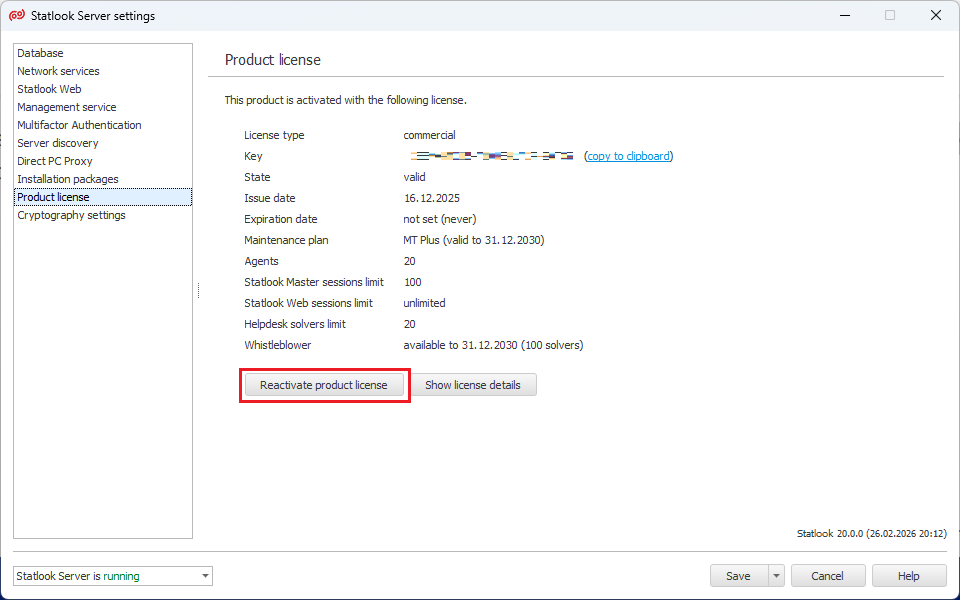
- Select the Product License tab and click the Reactivate Product License button.
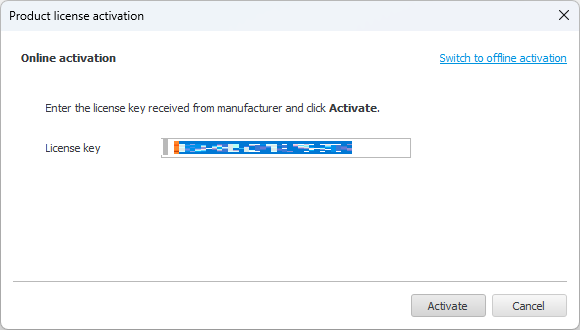
- In the window that opens, verify that the license key is correct and select the Activate button.
- The program will start reactivating the license. Once reactivation is complete, select the Save (settings and start the Statlook Server service) button.